

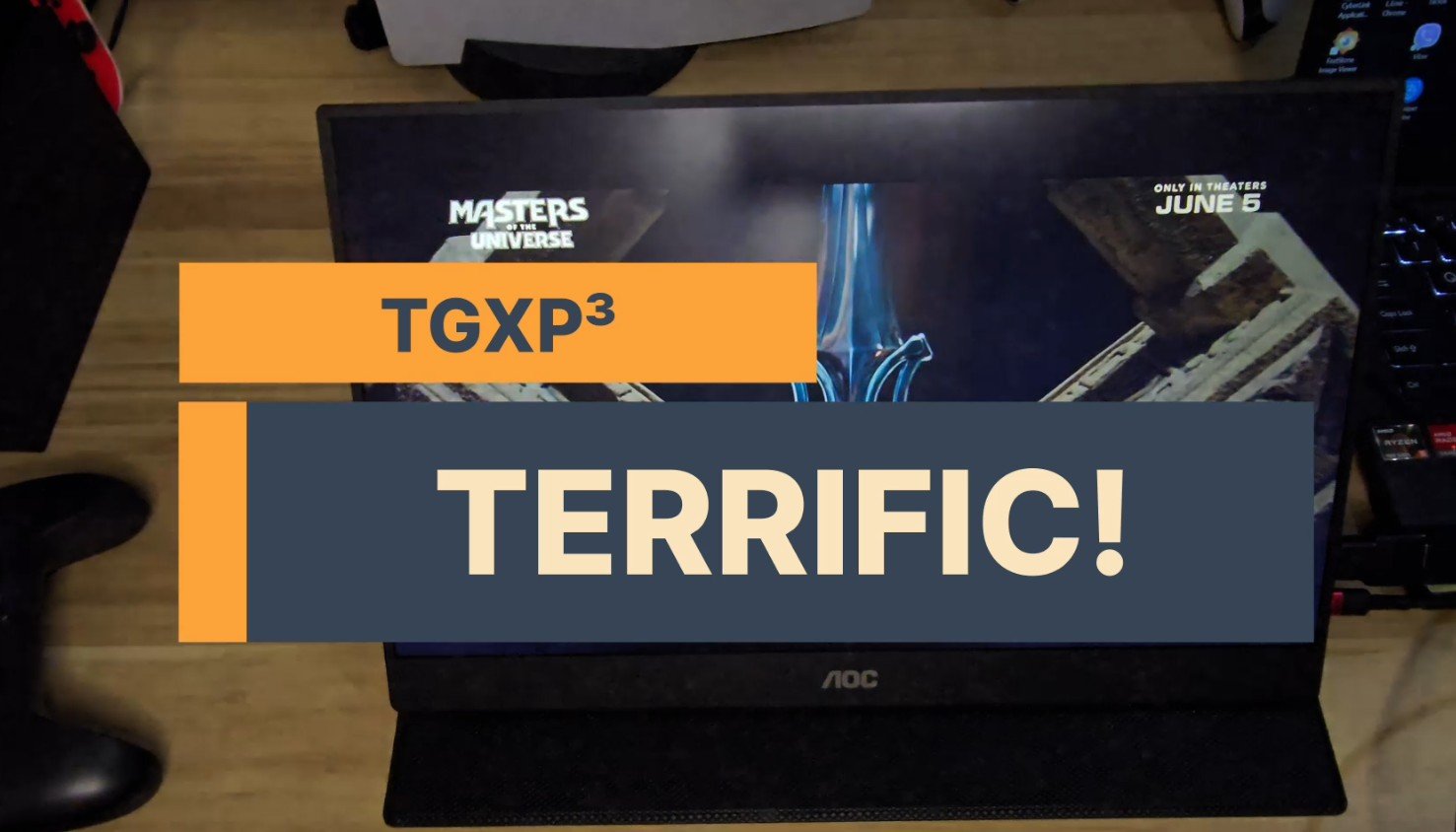
Welcome to TGXP3 Reviews!
This is the review for the AOC 16T20 portable monitor.
Working on several monitors definitely makes things easy when you need to see multiple things on your laptop or PC.
But the multi-monitor setup does require a sturdy desk and a multi-arm stand to hold your monitors. What if you need to work outside but still need another monitor? You can’t possibly bring your clunky monitors and monitor arms, right? Well, that’s where a portable monitor comes in. I’ve seen portable monitors before and never saw a need for them.
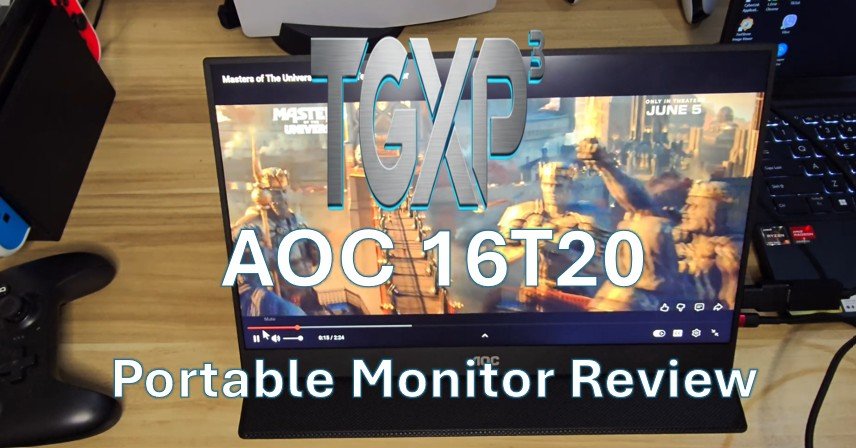
That all changed when I started working remotely. So, I got myself one and decided to review it. I actually saw the AOC portable monitor on Amazon during a Black Friday sale. So, I bought it to see if it’s good enough for my needs. And no, we didn’t get ours from Shopee and Lazada, as they were twice as expensive here. Chalk it up to import taxes.
So, what are the specs? The AOC 16T20 portable monitor features a 15.6-inch full HD 1080p IPS display. It has USB-C ports, a mini-HDMI port, and built-in speakers. So, what’s inside the box? The AOC 16T20 portable monitor includes a smart cover and a USBC cable. That’s it. I’ve seen a few reviews mentioning a mini-HDMI cable, but the one we got only includes a USB cable. That’s okay.
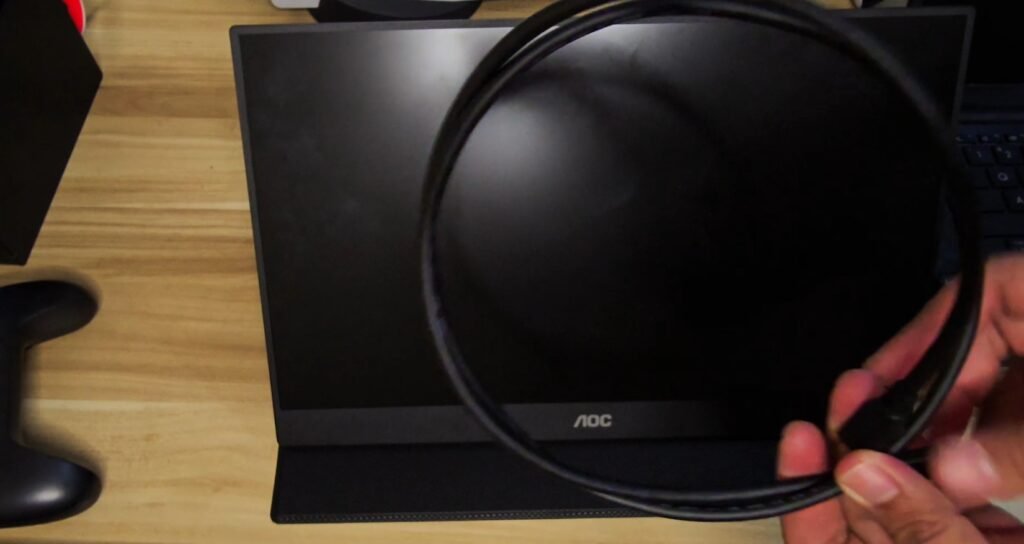
The monitor itself isn’t that heavy, but it has a solid head. Its smart cover provides much-needed protection for this portable monitor and attaches magnetically. Nifty. The smart cover also serves as a stand for the monitor. Yeah, it’s smart.
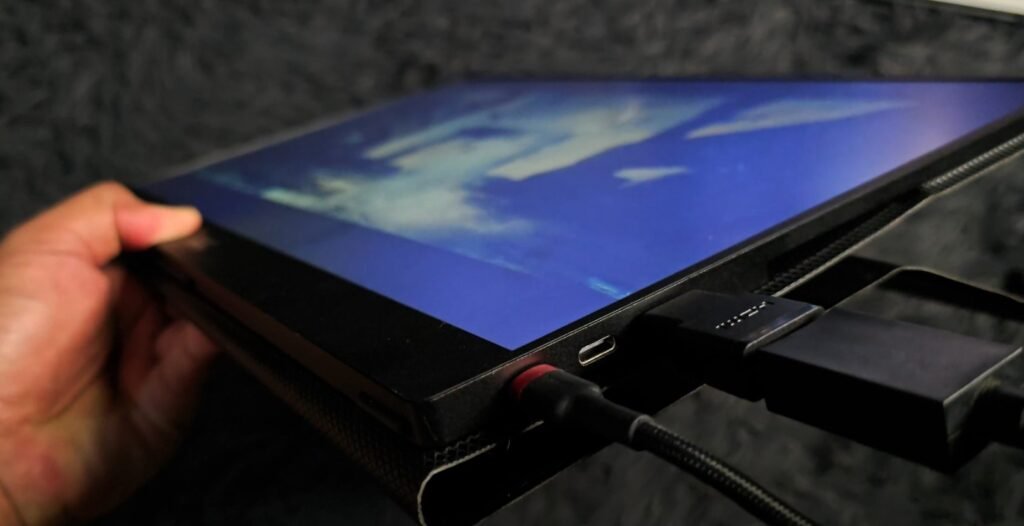
The monitor uses a Type-C cable to power it up. So, you’ll have to connect either your phone or your laptop to power it up, but you can also use a separate power adapter. You’ll have one USB port for power, one for power and display, and a mini-HDMI port.
To use it with your phone, just attach the bundled Type-C USB cable to your phone, then connect the other end to the AOC portable monitor.
Key Specifications:
- Display: 15.6″ IPS Panel, Full HD (
@ 60Hz)
- Brightness/Contrast: 230 to 250 nits
- Connectivity:
USB-C (supports DisplayPort Alt Mode/Power Delivery),
Mini HDMI
- Audio: Built-in speakers and earphone jack
- Dimensions/Weight: 9.6 mm thick,
(
with smart cover)
- Accessories: Smart cover/stand included
If your laptop has a DisplayPort Alt Mode or DP Alt Mode, the bundled cable is all you need to use it. But if you don’t, as in my case, you’ll need a separate mini-HDMI cable and a power cable. Once you connect it, you can use your laptop or computer to use the AOC 16T20 portable monitor as an extended or duplicate display. It’ll turn on once you plug in a USB cable.
You can fiddle with the settings on the menu button at the bottom of the monitor. These buttons let you move between menus, and the rest are for volume up and down. So, what about the display?
The AOC16T20 portable monitor has a brightness of 230 to 250 nits.
So, I attached my laptop, which doesn’t have a DP alt mode port. Bummer. I had to use a separate HDMI cable and power adapter to connect it to my ASUS Vivobook.
Like any other 1080P monitor, the AOC 16T20 portable monitor works beautifully. It has a 60 Hz refresh rate, which is pretty standard for a monitor. It’ll play videos and games at 1080p resolution. I attached it to my Steam Deck, and it worked perfectly.
I also attached my Switch to the monitor, and it works spectacularly. Of course, I had to connect a mini-HDMI adapter to the Nintendo HDMI cable. I played Steam games, Animal Crossing, and even Diablo III, and they all displayed pretty well. I hardly felt any delay while I executed my spells and attacks on Diablo III.
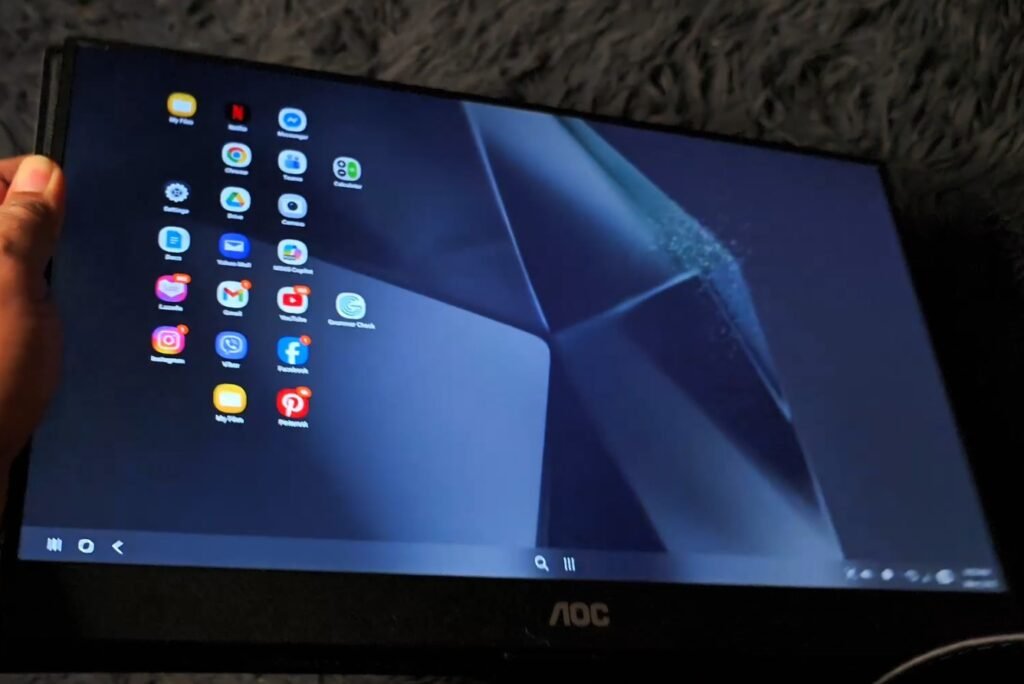
Interestingly, I couldn’t make it work on my PS5. It says on Reddit and other forums that it does work. Maybe I’m doing it wrong. Let me know in the comments.
Pros:
Great value for money if you get it at a price below Philippine sale prices. But even if you bought it at the current online Lazada and Shopee prices, it’s still a great buy. Just think of the convenience of lugging around a second portable monitor. It’ll play your games smoothly, whether on a laptop, a Steam Deck, a Switch, or even a PS5.
And it doesn’t weigh a ton to lug around.
Cons:
Right now, I can’t find one except that it didn’t bundle the mini-HDMI cable. So, is the AOC 16T20 portable monitor worth the investment for mobile computing? Yes.
Mobile gamers who want a bigger screen? Yes.
The convenience of having a portable second monitor for my laptop, phone, Switch, and Steam Deck is just awesome.
Check out Amazon if you want to score big discounts on the AOC 16T2020 portable monitor. Or wait for Shopee and Lazada’s monthly sales to drive prices down.
Our first review earns TGXP3’s first terrific buy.
For more reviews and news, check out TGXP3 regularly. Like our page at www.fas.com/tgxp3, Instagram/TGXP3 official, and TikTok at www.tiktok.com/tgxp3.
Check out our video review here:
Check out more news and reviews at www.tgxp3.com.