

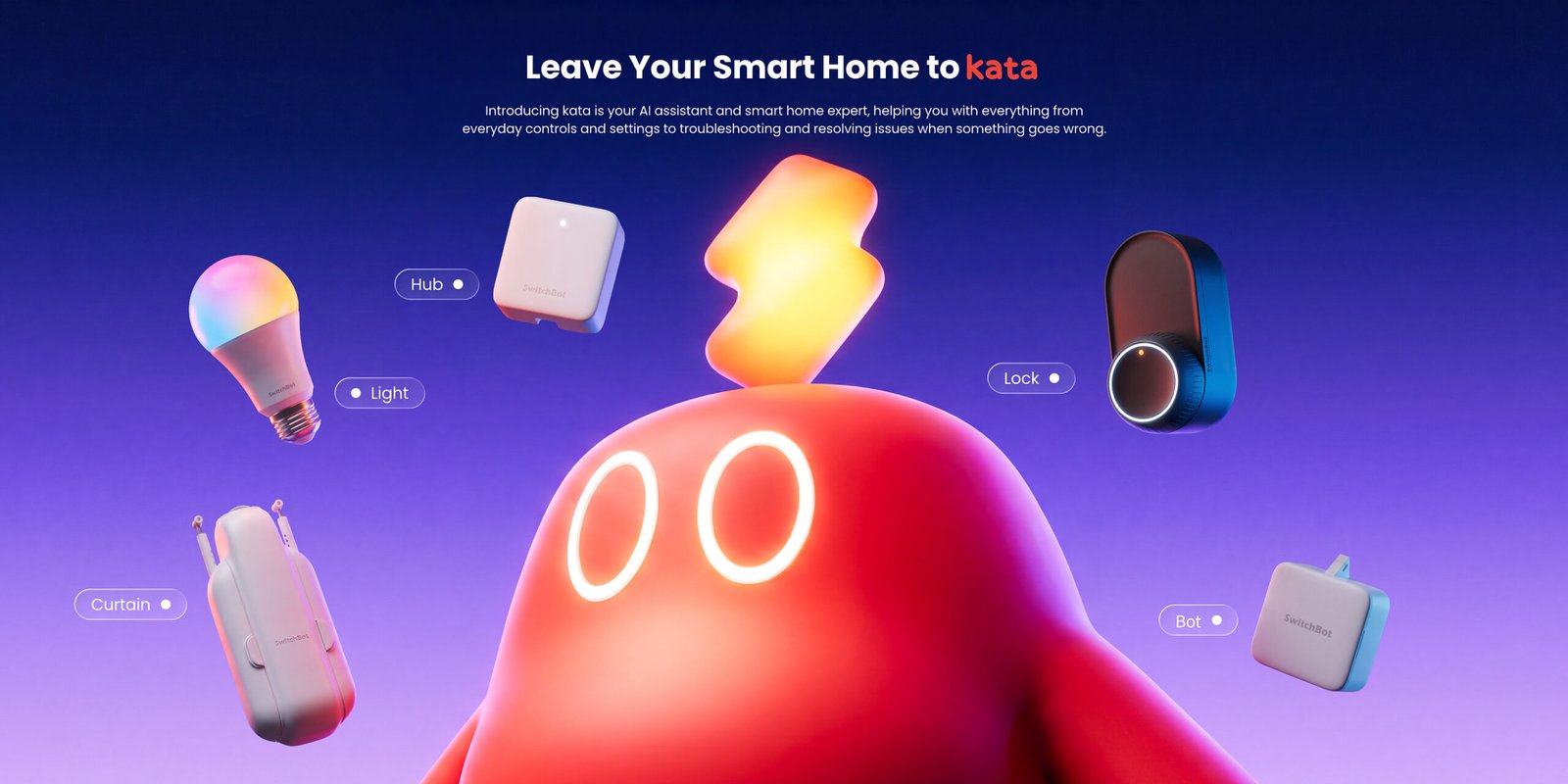
AI is into everything, and SwitchBot is making it happen so you can talk to it via your Bluetooth light bulb. Or ask your security cam to watch over your kids and alert you if they start their own Royal Rumble match. With SwitchBot’s kata, an AI assistant built into the SwitchBot App, you can control devices, set up products, create automations, and troubleshoot issues by typing or speaking commands.
What’s even better? Instead of navigating device pages or searching manuals, users can open the app and tell kata what they want to do.
Leave Your Smart Home to kata
Kata helps with setup, daily control, and troubleshooting. Whether installing a new device, adjusting settings, or figuring out why something isn’t working, users get step-by-step guidance in the SwitchBot App. Kata recognizes device names, status, and user instructions to answer questions and perform actions. This lets users control their smart home without digging through menus or settings.
With kata, users can control several devices at once with a single command, like turning off lights and curtains while adjusting the air conditioner. As an AI assistant, kata can set up automations from natural language. Users describe a routine, like opening bedroom curtains on weekday mornings, and kata turns it into an automation.
It can even understand intent, not just fixed commands. If a user says the room is dark or too hot, kata suggests actions. If a request is unclear, kata asks follow-up questions before acting.
From Setup to Troubleshooting
Kata can identify SwitchBot products using Optical Character Recognition and guide users through setup with step-by-step instructions. If something goes wrong, kata helps users troubleshoot without searching manuals or FAQs. Users describe the problem, and kata pulls up relevant guides, videos, or support resources.
If an issue can’t be fixed right away, the SwitchBot AI assistant keeps track of the problem so users don’t have to repeat themselves when seeking further support. Kata supports text and voice input, keeps context during a session, and asks for confirmation if there are similar devices or missing details. It can enable required settings before acting, and for more complex tasks, guides users to the right place in the app.
Availability
Kata is available in SwitchBot App version 9.29 or later. To use it, open the app, tap kata on the Home screen, and type or speak your request. To learn more, visit SwitchBot’s official website.
For more tech news and updates, stay tuned to TGXP3.com.